Sets recorded one by one
Each set is its own row with reps, weight and an optional note. Trackly does not average your sets together or ask you for a single number that stands in for the whole exercise.
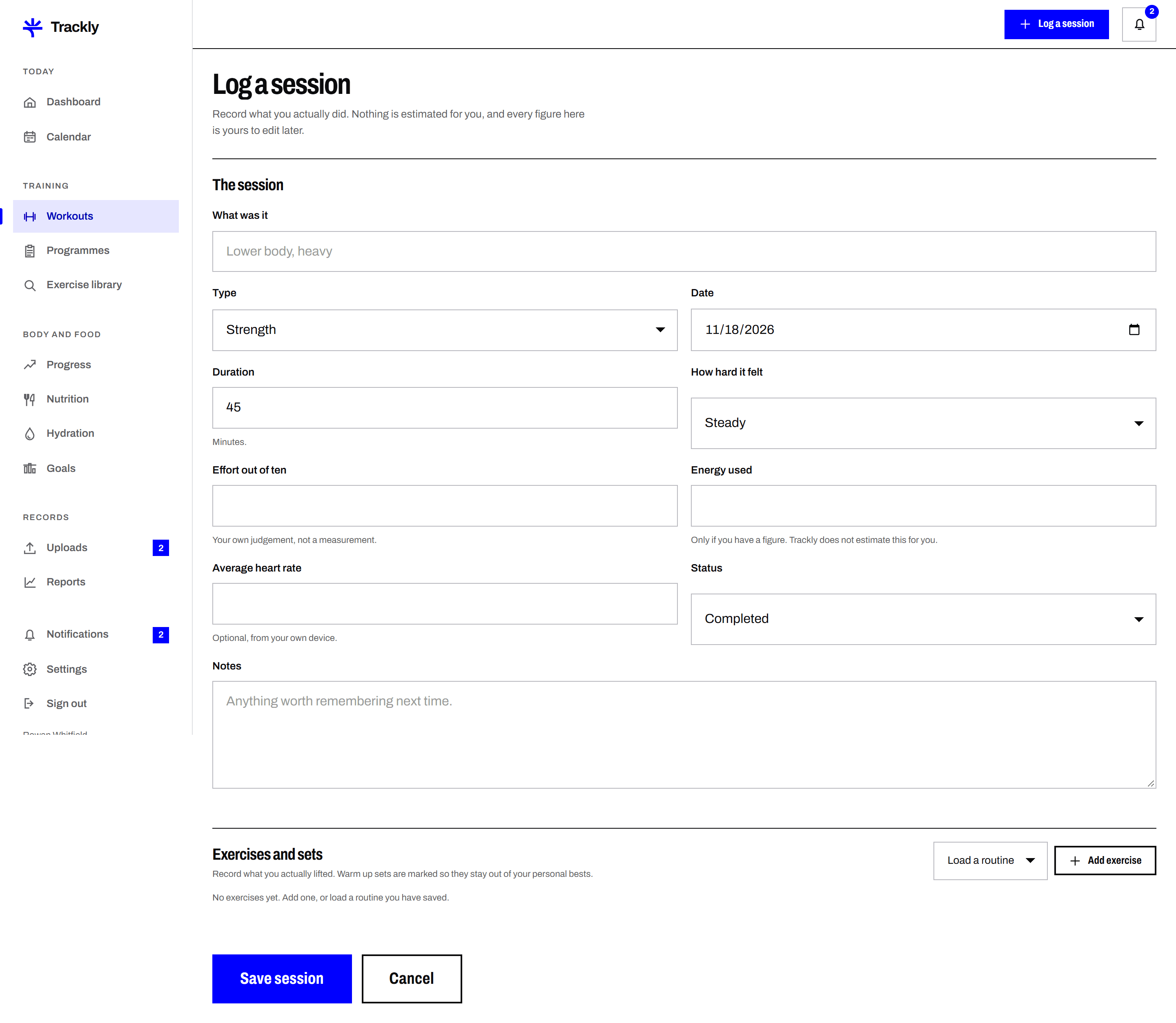
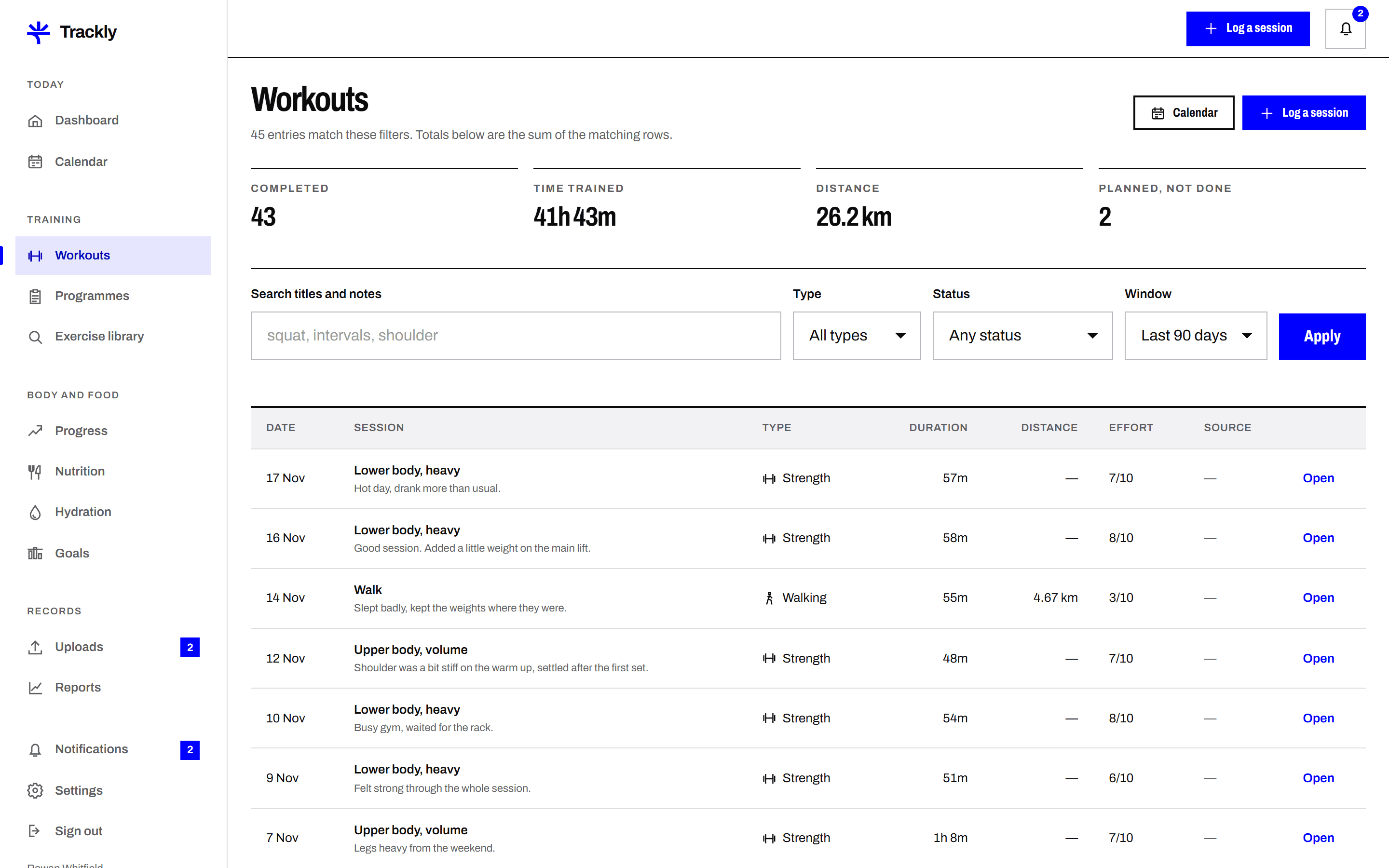
Record a training session the way you actually did it. Date, duration, exercises, sets, reps, weight, intensity and notes. Trackly keeps the detail so a session from March can be compared with the same session in September.
Each set is its own row with reps, weight and an optional note. Trackly does not average your sets together or ask you for a single number that stands in for the whole exercise.
Save a group of exercises as a routine, reorder them, then start a session from it. The routine fills in the exercises and your last used weights, and you edit what changed on the day.
Trackly reads your saved sets and shows your heaviest set and best recorded volume for each exercise, with the date it happened. Edit or delete the set and the figure updates with it.
A session you planned for Thursday is shown as planned until you mark it done. The calendar shows both, so a week you intended is never mistaken for a week you trained.
Choose a saved routine, repeat a previous session, or add exercises one at a time from the exercise library.
Enter reps and weight for each set. Add a note where something mattered, such as a grip change or a cut short set.
Saving puts the session in your calendar and history, updates your weekly totals and refreshes your personal bests.
Next
Weight, body measurements and optional progress photos, entered in your own units and plotted over time. Trackly shows the trend beside the